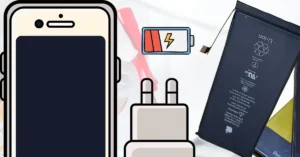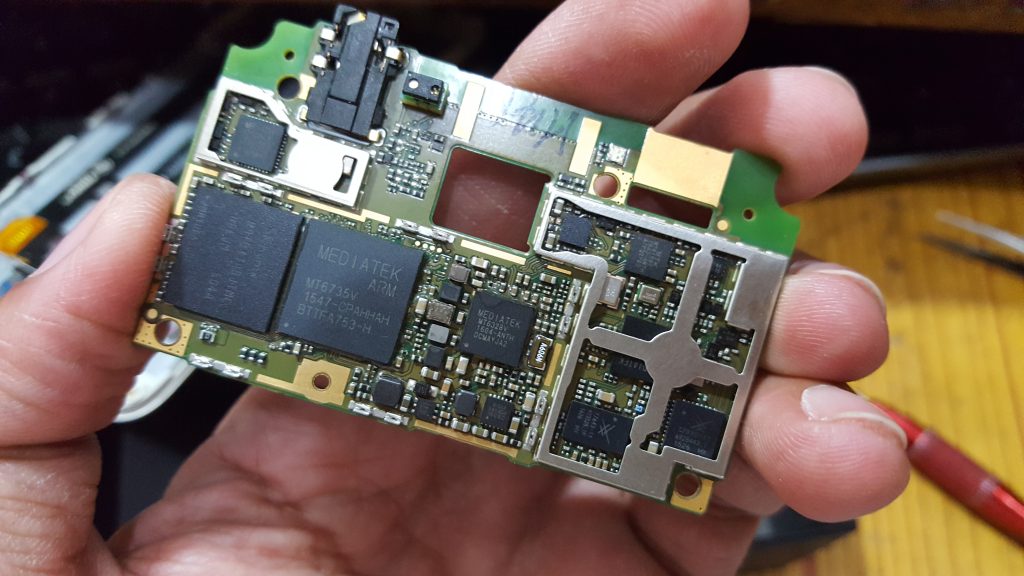
Mobile hardware repair is essential to fix broken screens, batteries, buttons, and water-damaged phones.
Common Hardware Problems
- Broken LCD or touch screen
- Battery not charging
- Buttons not working
- Water or liquid damage
Tools You Need
- Screwdriver set, tweezers, plastic opening tools
- Replacement parts (screen, battery, buttons)
Step-by-Step Repair
- Screen Replacement: Remove screws, disconnect old screen, connect new screen, test functionality.
- Battery Replacement: Remove back cover, disconnect old battery, insert new battery, test charging.
- Button Repair: Access faulty button, replace or clean flex, reassemble phone.
- Water Damage Repair: Power off phone, remove battery, dry and clean internal parts, test phone.
Tips for Safe Repair
- Work on powered-off phone
- Keep screws organized
- Use anti-static tools
- Work in a clean, well-lit area
Conclusion
Start with simple repairs like battery or screen replacement. With practice, you can repair any mobile hardware issue professionally.